
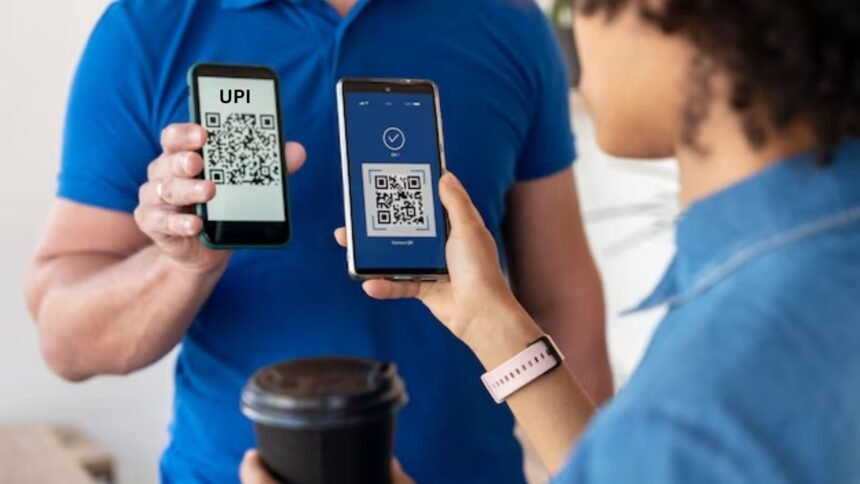
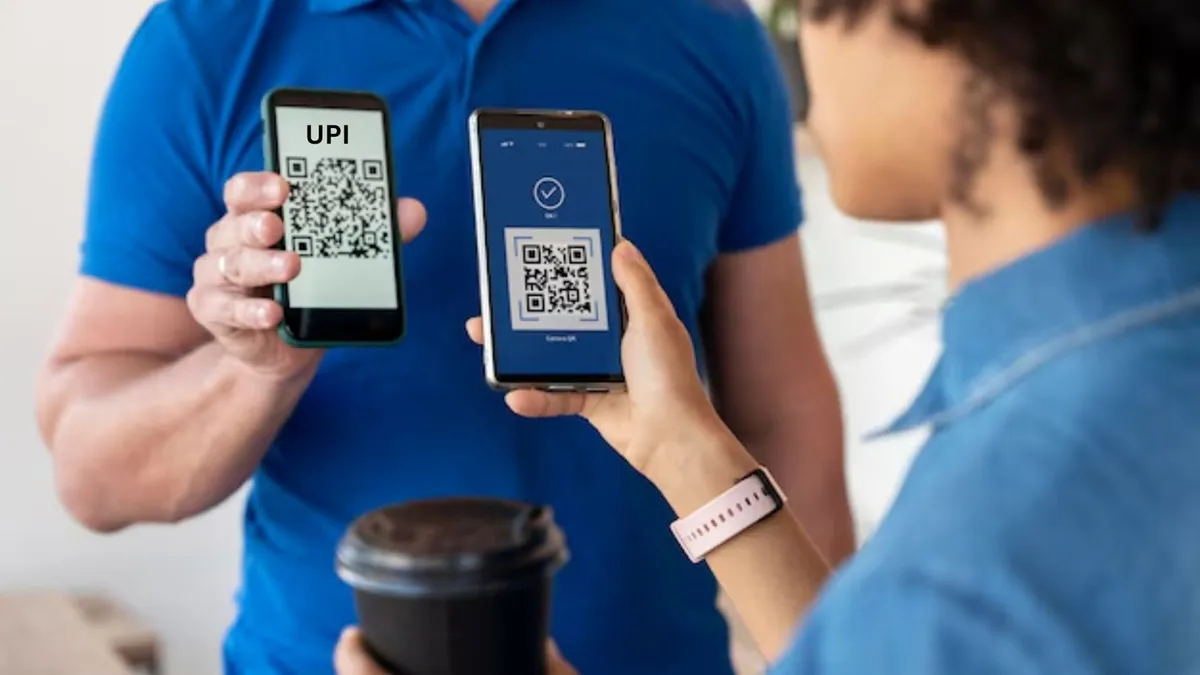
Unified Payments Interface i.e. UPI has now become the most prominent and reliable medium of digital payment in India. According to the latest data, UPI is handling about 85% of digital transactions in the country, and globally it is also the largest system in real-time payments with about 49-50% of the payments. With the continuous increase in the number of users and transaction volumes, the risks of phishing, UPI fraud, erroneous account transfers and technical vulnerabilities have also increased. Therefore, it is very important to adopt penalty and security measures during every transaction. If any problem arises, like money was deducted but did not reach the recipient, went to the wrong UPI ID, or fraud occurred, then do not panic. You can easily get your money back by filing a complaint.
Here are the main ways
Register complaint through UPI app (Fastest and easiest)
Open the app through which the transaction was done (Google Pay, PhonePe, Paytm, BHIM etc.). Select the relevant transaction in the transaction history.
Click on “Report Issue”, “Raise Complaint” or “Help” option.
Select the type of problem and fill the details and send.
In most cases the bank/app initiates the inquiry in 3-5 working days.
contact bank
- Call your bank’s customer care helpline or visit the branch.
- Login to the official mobile app or website of the bank and lodge a complaint in the “Raise Complaint” section.
- Must attach proof like Transaction ID (UTR), amount, date and column.
Complaint through dispute redressal mechanism of NPCI
- Visit the official website of NPCI (npci.org.in).
- Click on “What We Do” – “UPI” – “Dispute Redressal Mechanism”.
- Select “Transaction” in the “Complaint” section.
- Select the transaction type (P2P, P2M etc.) and issue (wrong transfer, failed but debited, fraud etc.).
- Fill the transaction details, UPI ID, amount, date and email and send. You will get a Complaint Reference Number (CRN) from which you can track the status.
- Alternatively: Call NPCI helpline 1800-120-1740 (24×7).
If solution is not found within 30 days, then…
File a complaint on behalf of RBI on RBI’s Complaint Management System (CMS) portal cms.rbi.org.in. This is the Integrated Ombudsman Scheme of RBI, where complaints can be made free of cost.
Important tips to prevent UPI fraud and wrongs
- Never click/share unknown links, messages or calls.
- Do not share OTP, UPI PIN, bank details or card information with anyone.
- When ‘Collect Request’ appears, double-check the receiver name, amount and UPI ID.
- Before making a payment, the recipient’s name appears on the screen – please verify it.
- Download apps only from Google Play/App Store and avoid transactions on public Wi-Fi.
- Check transaction history regularly and notify the App/Bank immediately on suspicious activity.
Latest Business News